Exome experts: Improving the interpretation and integration of exome testing in routine clinical care
Industry leaders discuss how to improve the speed, precision and cost-effectiveness of clinical exome testing for newborn screening and rare and undiagnosed diseases Clinical exome testing is revolutionizing the diagnosis […]
Watch Now
Streamline H5N1 and other microbial samples with CLC Genomics Workbench
In this training, you will learn how to analyze viral samples using QIAGEN CLC Genomics Workbench. This webinar will focus on bioinformatics workflows and data interpretation using H5N1 as an […]
Watch Now
Scale up NGS bioinformatics analysis throughput with CLC Genomics Server and Cloud solutions
More and more biopharma and academic groups are looking to process a large number of samples simultaneously or for a quicker turnaround time. This webinar will introduce a flexible and […]
Watch Now
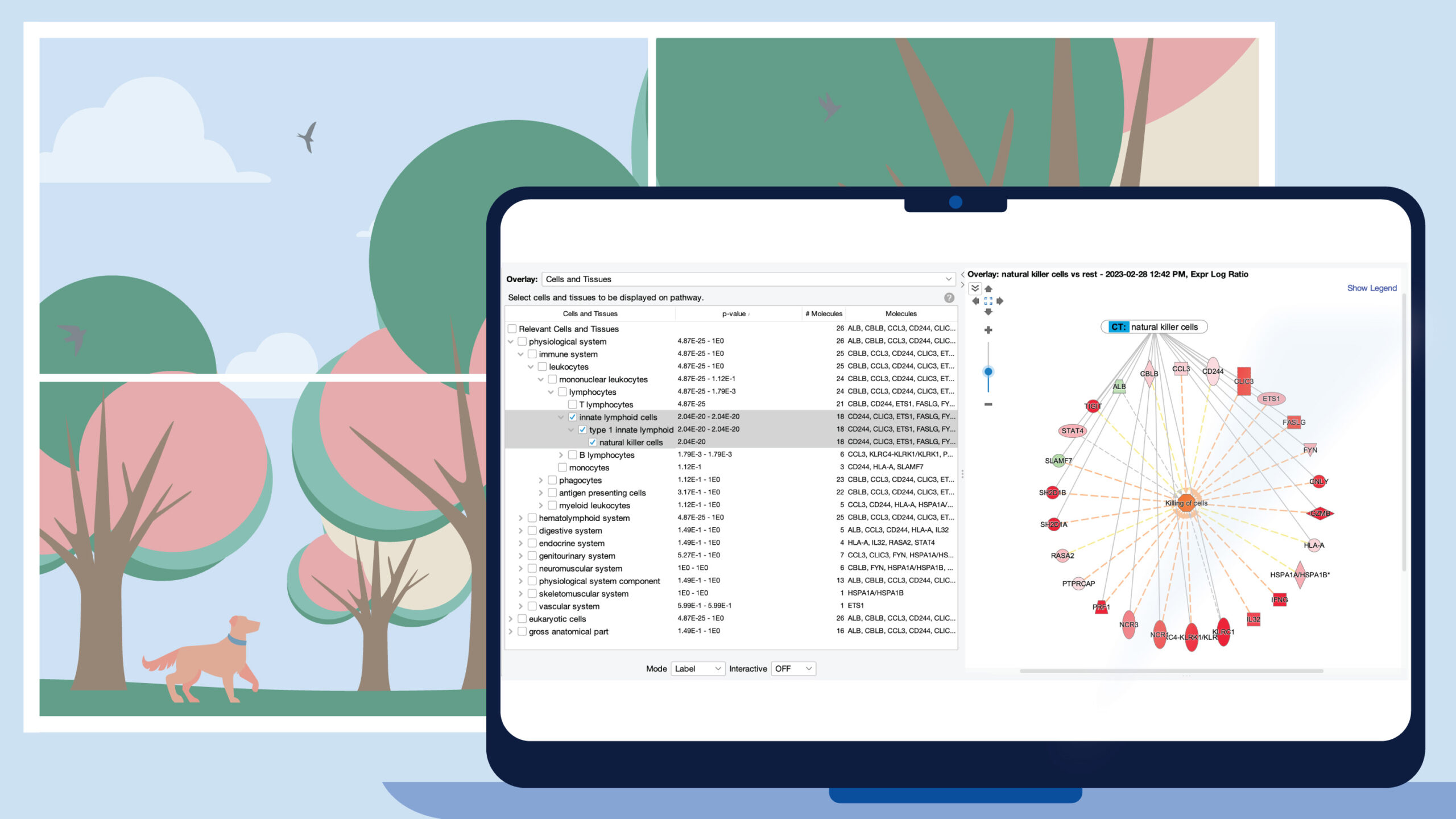
Leveraging the power of API-based omics (RNA-seq, proteomics and more) queries for discovery
There is a strong interest in the scientific community to use public (GEO, SRA, TCGA, LINCS, etc.) omics (RNA-seq, scRNA-seq, microarray, proteomics, etc.) data for a variety of discoveries. This […]
Watch Now
Clinician’s Roundtable: Interpreting genomic test results for precision oncology
You’re invited to attend the 2024 Clinician’s Roundtable, a virtual event where medical directors and oncologists will discuss how to better interpret genomic test results to tailor treatment strategies for […]
Watch Now
QIAGEN Biomedical KB-HD: data- and analytics-driven drug discovery
Ingenuity Pathway Analysis (IPA), currently cited in tens of thousands of publications and used by a large number of biopharmaceutical companies, is backed by QIAGEN Biomedical KB-HD. Accordingly, biomedical relationships […]
Watch Now