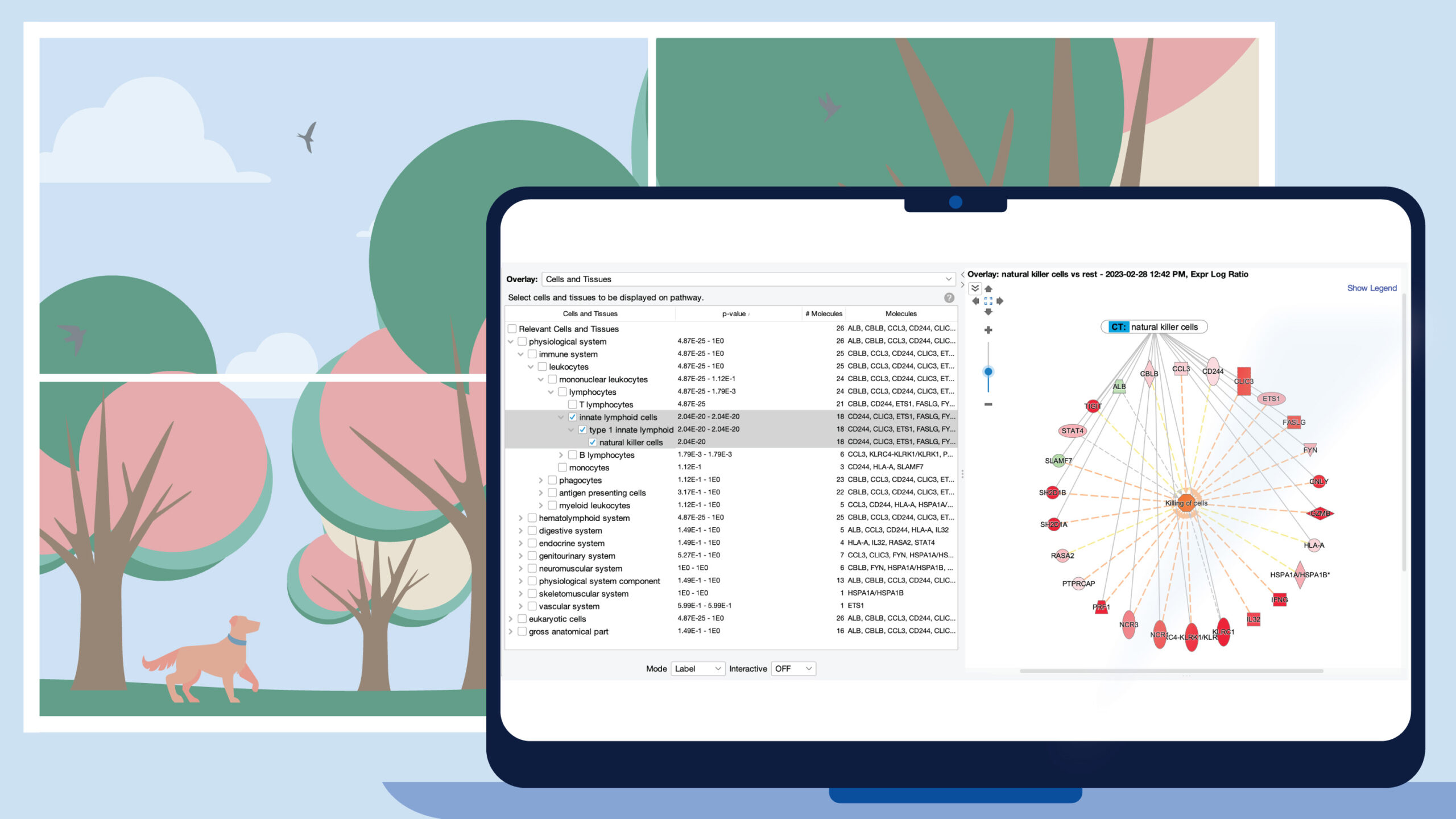

















The Pattern Search feature builds on Analysis Match by enabling you to immediately scan over 100,000 analyses from QIAGEN OmicSoft by querying any collection of genes in a network or pathway. With Pattern Search you can answer questions such as: Which analyses activate this Canonical Pathway through the same genes as in my analysis? Which analyses of diseased tissue are the “opposite” of the gene signature for my drug, and may benefit from treatment with the drug? Do any analyses have an interaction network or Regulator Effects network similar to the one in my analysis? Start with any network or pathway from an analysis, or simply place genes of interest into a new My Pathway, then either overlay a dataset or manually color the genes with the MAP paint bucket to “activate” or “inhibit” them. Click the “Pattern Search” button to discover which OmicSoft analyses have similar or different gene expression patterns. Please note that the Pattern Search feature is included with Analysis Match or Match Explorer licenses in IPA.